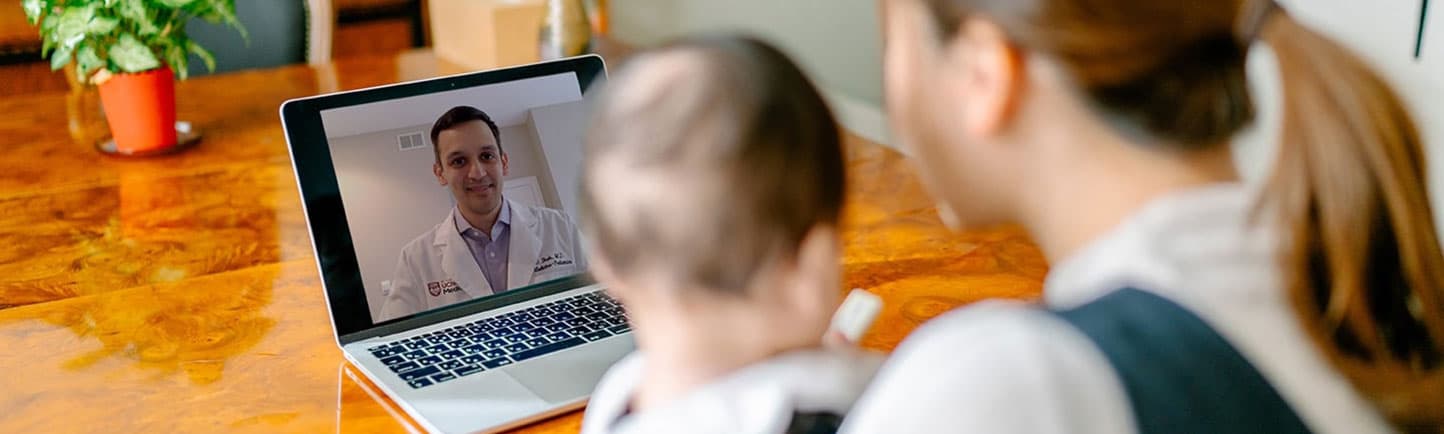
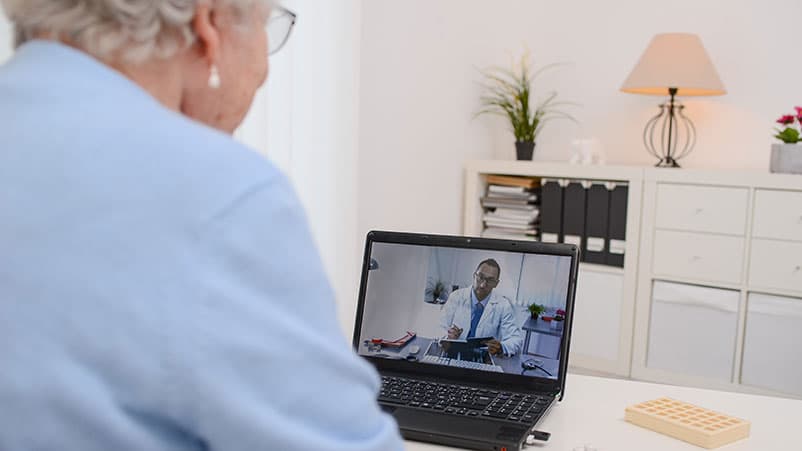
[MUSIC PLAYING] Welcome. The University of Chicago Medicine is excited to offer you the option to have a video visit with your health care team. This short video will help you get the most out of your visit. Making new ways for you to connect with your health care team is important. Video visits are one way to make sure you get the care you need from the comfort of your home. First it is important to understand, what is a video visit? In a video visit, you will talk face-to-face with your health care team, just like you do on a regular, in-person visit. The big difference with a video visit is that you will do it using your computer, smartphone, or tablet. Before your video visit, it is important to pick the right space. Look for these four things in a good space. Number 1, use a space with good lighting, but do not have bright lights or windows behind you. Instead, sit or stand in front of a lamp our window so that the light shines on your face. This will make it easy to see you. Number 2, make sure your space will be quiet for the whole visit. If you share a living space with others, this may be a bedroom or another room with a door. You can also use headphones to make it easier to hear your doctor or nurse. Number 3, choose a space where you can move around safely. If an exam is needed, you might be asked to move around or lie down. Number 4, your space should be private, so you can talk about your private health care information, or show parts of your body if needed for the exam. Once you have chosen a space, here are some important steps you should take to make the most of your video visit. Think about the questions you want to ask your health team, and write them down before your visit. Have all of your medications together before your visit. Your doctor or nurse may ask to confirm your medications. This will also help remind you which medicines you need refilled. You can take your own vital signs before the visit if you have the tools you need. Vital signs can include your temperature, blood pressure, heart rate counted over 1 minute, your oxygen level, blood sugar, and body weight. If you check things like your blood pressure or blood sugar levels on a regular basis, have your log and readings with you, including the dates and times of each reading. Have a small light nearby, such as a flashlight or phone light, to help examine parts of your body like your throat or eyes. If you have concerns about skin problems, such as a rash or wound, you can send a picture to your health care team with MyChart messaging before the visit. This may give them a better view of your skin than the video can. Next we will discuss tips for just before and during your visit. Click on the Video Visit link 10 minutes before your appointment start time. This gives you time to open the video and make sure your camera and sound are working. You are also welcome to have someone you trust join you on your video visit. This can be done by sharing this same link with them. Place your computer in a safe spot so it cannot get knocked over. This is very important if you have a child taking part in a pediatric visit. Shut down any other programs on the device you are using. Having extra programs open can slow down the speed and quality of your video. If you are using a smartphone or tablet, prop it up on a stable surface, rather than holding it. You can then use both hands during the visit if needed. Have your list of questions, your medication bottles, and the refills you need, and some paper and pen to take notes all ready and within reach. During the visit, speak clearly into your microphone. If someone else is joining your visit, make sure only one person is speaking at a time. Make sure you turn off the television and radio, and have everyone put their phones on silent so that there are no interruptions. Finally, have a backup plan in case you are disconnected. Give your health care team a phone number you can be reached at to do the visit over the phone in case you are having problems with the video. When the visit is ending, your health team will talk to you about the next steps. This may include picking up medications from your pharmacy, getting tests done at a nearby lab, or making your next appointment. Make sure to say which pharmacy you use so a trip is not made to the wrong one. Call your pharmacy to be sure your prescription is ready for pickup before leaving your home, or ask for home delivery. Before the visit ends, ask your health care team how and when you need to follow up. We are excited for you to take part in your video visit. This may be new for you, but your health care team will be there to answer any questions you have along the way.